
The booking form works. The dashboard looks good. You have shown the app to a few people, and someone has asked when they can start using it.
That is a useful moment to pause. What happens if two people book the last place? If a payment fails? If the person who set everything up is away when a customer cannot sign in?
AI can help you build something worth testing. Getting it ready for customers means collecting evidence that the important parts work, including when people do things you did not expect. You can lead much of that review yourself. Some checks need an experienced developer who can inspect what happens behind the screens.
Write down what a customer must be able to finish
Start with one complete journey. “The booking screen works” is too vague to test. “A customer books an available workshop, receives confirmation, and can find the booking again” gives everyone a result to check.
Consider a fictional workshop-booking app. Its first release lets customers choose a session, pay for a place and view their booking. Staff need to see the same booking and know whether payment succeeded. Gift vouchers and a loyalty scheme can wait.
Write the journey in ordinary language, including what staff must receive at the end. Then ask someone who has not built the app to complete it using test details. Watch where they hesitate. Avoid guiding them through a confusing step; write it down instead.
For each important check, keep a short record: what you tried, what should happen, what actually happened, and who will fix any gap. This becomes your launch evidence.
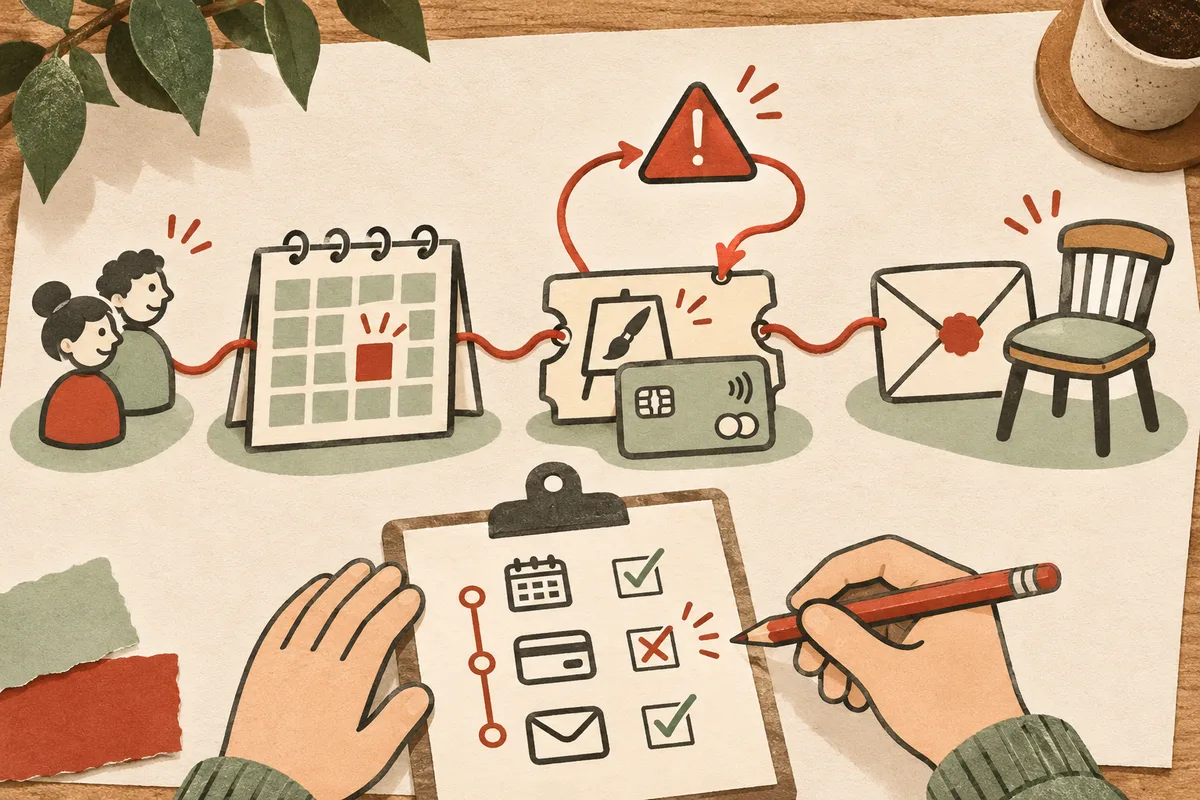
Follow the awkward routes through the app
Your first successful test probably used sensible details in the expected order. Customers will arrive through old links, change their minds and lose their connection halfway through.
Try the situations closest to your real service:
Submit a form with a missing field. Does the message explain what to fix without erasing everything else?
Refresh after submitting. Does the customer find one saved request, or accidentally create another?
Leave a page open while availability changes. Is an unavailable option handled clearly?
Interrupt the connection. Can the customer tell whether the action completed before trying again?
Sign out and return later. Is the saved information still correct?
In the workshop example, have two test customers try to book the last place. The team needs to verify that the result follows the agreed booking rules and that anyone who misses out gets a useful explanation.
If the app takes payments
Use your payment provider's supported test environment and test payment details. Stripe's testing guidance explains how its sandbox simulates successful payments, declines, authentication and refunds without moving real funds.
Check the whole result: the customer's message, the payment record and the booking or order. Ask your developer to test delayed or repeated payment notifications, too. Stripe's order fulfilment guidance explains why the app cannot rely only on a customer returning to its success page.
Ask a developer to review access to customer data
A successful sign-in shows that an account can log in. It does not prove that each person can only read and change the right records.
In a separate test environment, create two customer accounts with fictional bookings. Ask the developer to verify that each account is prevented from accessing the other's records, including through direct requests. Repeat this for staff roles, shared files and exported documents where relevant.
OWASP's authorization guidance recommends checking permissions on every request. Hiding a button is only a presentation choice; access must also be enforced where the information is retrieved or changed.
Keep this review grounded in your product. Give the reviewer a list of who should see what, then ask for evidence against that list. Also have them check account recovery, exposed credentials, third-party connections and the handling of information sent to external services.
Use fictional or appropriately prepared test data. Copying customer records into a demo, a public repository or an AI prompt can expose information to people or services that should not receive it.
AI can assist the review, but someone must understand and accept the result. GitHub's responsible-use guidance also emphasises reviewing and testing generated code. Asking the same tool “is this secure?” does not provide enough evidence on its own.
Try the journey on a phone and without a mouse
Open the app on an actual phone. Complete a task with the on-screen keyboard visible. Check whether an error message is easy to find, the main button remains reachable, and long names or descriptions fit.
On a computer, put the mouse aside. Can you reach the form fields and buttons with the keyboard, see where the focus is, and leave an open dialog? Increase the text size and check whether the page remains usable.
These checks often uncover problems that a tidy desktop screenshot misses. W3C's Easy Checks offers a starting point for reviewing labels, contrast, keyboard focus and zoom. A first pass is useful, but a complete accessibility assessment needs broader testing.
Try the app on the connections and devices your audience uses. A large image or a slow lookup matters most when it stops someone completing their task.
Practise recovering from a bad release
Ask two separate questions: “Can we return to the previous app version?” and “Can we recover the information people have saved?”
Those are different jobs. Rolling back the code may help after a faulty release. It does not necessarily undo changes to stored data. Restoring an older backup may recover missing information while losing newer records unless there is a plan to reconcile them.
Have the developer demonstrate a restore in an isolated environment. Check that the restored records and any necessary attachments can be used, and record how long recovery takes. Then decide how much interruption or recent data loss the business can tolerate.
For the workshop app, someone needs to know what happens to bookings made after the last backup. A copy of yesterday's data is not a complete answer if today's customers have paid.
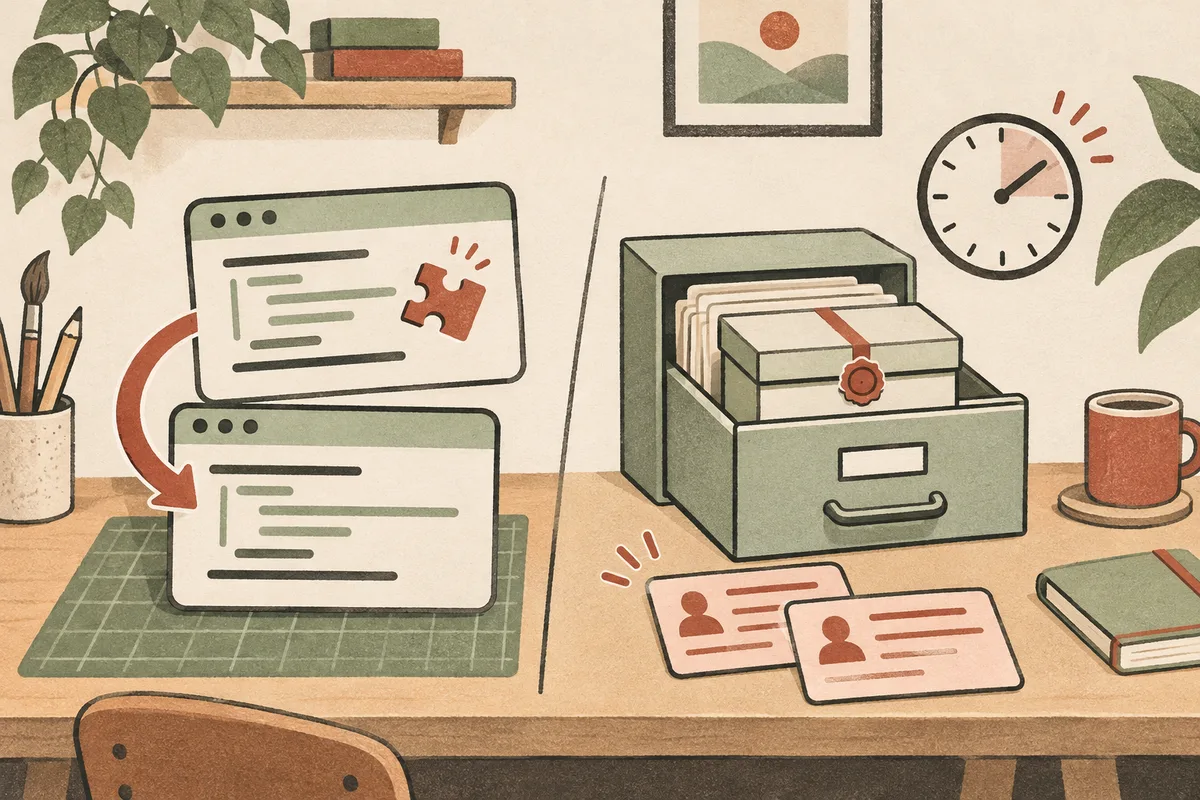
Agree how to pause the affected feature, inform customers and resume safely. Store the recovery instructions where the person covering support can find them.
Know what it costs and who owns it
The subscription used to build your app may be only one part of the bill. List hosting, stored files, email or SMS, payment fees, external services and ongoing support. If the product itself calls an AI model, include those usage costs as well.
Ask what happens at your expected usage and at a busier level. Which charges increase? Which limits interrupt the service? Set appropriate alerts, and agree who responds to them. Avoid treating a free allowance as a permanent operating budget.
Check ownership while everyone is still available. The business should know who controls its domain, hosting, repository and important service accounts. Confirm that another person can receive access and continue the work without relying on the original builder's personal login.
Also check what can be exported if you move away from the building platform. Source files, customer data and uploaded documents may have different export options. Ask the team to demonstrate the exports you will need.
If an agency is taking over a client's prototype, record these unknowns before quoting completion. An attractive demo helps explain the idea; an inspection establishes the work that remains. Our development handover checklist can help organise that conversation.
Choose a launch you can support
There is room between keeping the app on your laptop and opening it to everyone. Choose a stage based on the evidence and the consequences of a mistake.
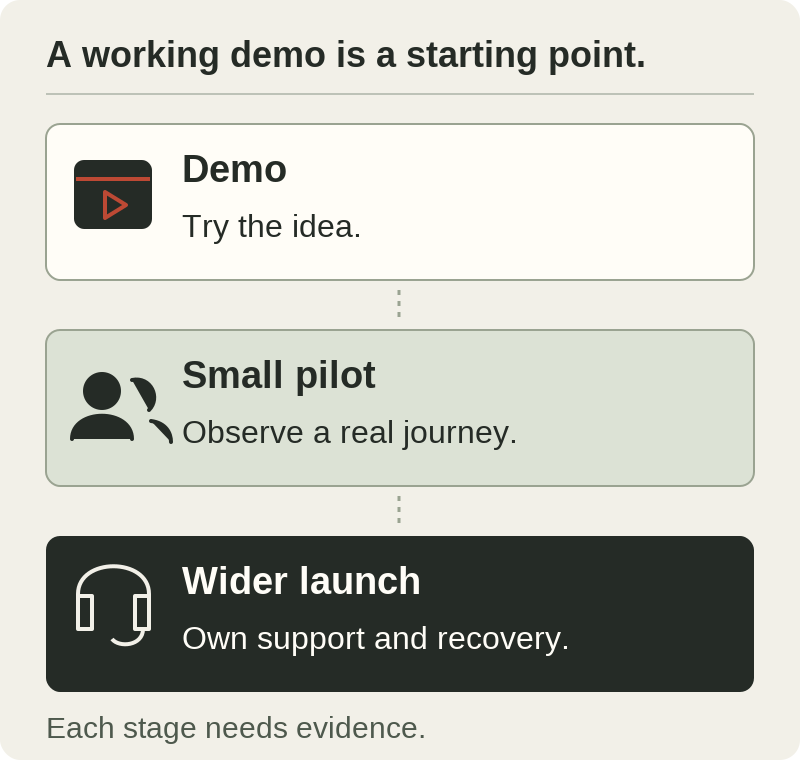
Keep it as a private demo
This fits when you are still testing the idea or important access and recovery questions remain unanswered. Use fictional records and clearly explain what is simulated. You can learn whether the product is useful without making customers depend on it.
Run a limited pilot
A pilot can fit once the necessary checks have passed for a defined group and scope. Name the people who will help participants, collect feedback and handle failures. Decide what would make you pause it.
Restricting the audience helps you learn and provide support. It does not make inadequate data protection acceptable. The people in a pilot are still trusting you with their information and time.
Prepare a broader release
Before widening access, review the pilot issues, the completed fixes and the checks that need repeating. Confirm that support, recovery and running costs still make sense for the larger audience. A checklist helps organise this decision; it cannot certify that an app is free of defects or security risks.
Put the launch decision on one page
Before inviting customers, write a short release note for the people responsible. Save the app launch review checklist as a starting point, or use these headings:
Scope: who can use this version and which journey it supports.
Evidence: the checks completed, their results and the version reviewed.
Open issues: what remains, its effect on users and who owns it.
Response: where problems are reported, who watches them and when to pause.
Recovery: how the team restores service and protects recent customer work.
Next review: when you will assess the release and decide whether to expand.
You do not need every future feature ready. You do need a clear picture of what this version promises and whether the team can keep that promise.
If you have a working prototype and need help assessing the next step, tell us what customers should be able to do. We can review the scope and the questions that need answering before further development.