

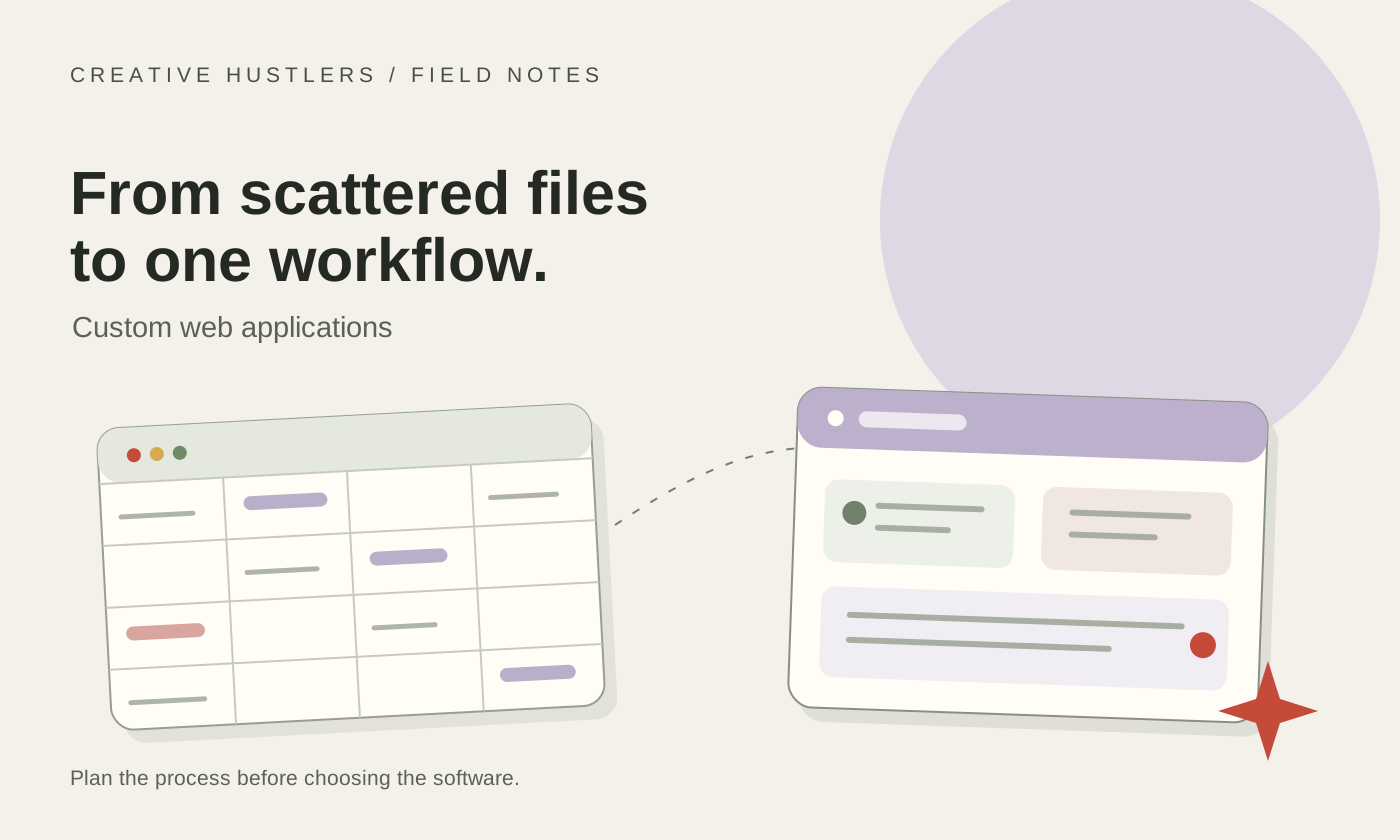
Spreadsheets are often the right way to start a business process. They are quick to create, familiar to most teams and flexible enough to change while the process is still taking shape.
The problem begins when an important workflow depends on several files, repeated data entry and knowledge held by a few people. Adding another tab or formula can keep the process moving, but it can also make the underlying risk harder to see.
A custom web application may help when the business needs one controlled workflow, different access for different people and a reliable record of what happened. It is a substantial investment, so the decision should be based on the process rather than frustration with a particular spreadsheet.
Editorial basis: This guide draws on Creative Hustlers' reviewed work on a multi-interface service-operations platform. The example describes implemented product structure; it does not claim measured customer, adoption or financial results.
Spreadsheets are often the right starting point
A spreadsheet may remain the best option when:
one person or a small team owns the process;
the data is easy to understand and does not require complex permissions;
changes are occasional and easy to review;
the work does not depend on a strict sequence of approvals;
customers and outside partners do not need direct access;
the consequences of a delayed or incorrect update are limited.
Moving a simple process into custom software can make it more expensive without making it better. Before commissioning an application, check whether clearer ownership, a better template or an existing software product would solve the problem.
The first warning sign is loss of control
The need for software usually appears through repeated operational problems rather than the size of a file.
One team may use a sales sheet, another may maintain a delivery schedule, and finance may work from a separate list of completed jobs. People copy customer details between them and ask for updates through email or chat. Each file may be accurate on its own, while the overall process still lacks a dependable current state.
Warning signs include:
different versions of the same record;
repeated copying between files or systems;
formulas that only one person understands;
status updates that depend on meetings or messages;
approvals recorded outside the main workflow;
missed follow-ups because reminders belong to individuals;
reports assembled manually from several sources;
uncertainty about who changed information and why.
These problems do not automatically justify a custom application. They indicate that the process should be mapped before another tool is added.
Different people need different access
A spreadsheet becomes difficult to govern when staff, managers, contractors, customers and administrators should not see or change the same information.
Permissions in a custom application can follow responsibilities. A field worker might see assigned jobs and upload evidence. An office user might manage schedules and customer records. A manager might review exceptions and reporting. A customer might see only approved quotes, invoices or status information related to their account.
This is more than hiding columns. The application can define which actions each person may take and which records are relevant to them. Those rules need careful design, testing and ongoing ownership; software does not make access control correct by itself.
The work follows repeatable stages and approvals
Custom software becomes more useful when work moves through defined stages. An enquiry may become a quote, an accepted quote may become scheduled work, and completed work may require review before invoicing or release to a customer.
The application can preserve the relationship between those records and prevent important steps from becoming detached from the original request. It can also make the current stage visible without requiring someone to reconcile multiple files.
The process does not have to be rigid. A good first release captures the stable parts and leaves genuinely variable work flexible. If the team changes the process every week because it has not yet agreed how the work should run, building software may be premature.
Customers or partners need a self-service area
Sending individual files and status updates can work at low volume. It becomes harder when customers repeatedly need access to documents, requests, quotes, invoices or progress information.
A secure portal can give each customer a view of permitted records and common actions. This may reduce repeated administrative work and make the handover between the business and the customer clearer. It also introduces responsibility for authentication, privacy, support and deciding exactly when internal information becomes customer-visible.
The portal should therefore solve a defined service problem. It should not be added simply because portals are common in modern applications.
Existing tools need reliable connections
Many operational processes already rely on accounting software, cloud storage, email, calendars or specialist tools. Staff may currently move information between these systems through exports, imports or manual re-entry.
A custom application can create a controlled connection through an API or a scheduled import. Before including an integration in the first release, confirm:
which system owns the original record;
which fields must move in each direction;
how duplicates and failed updates will be handled;
who can reconnect an expired account;
what the team will do when the external provider is unavailable.
Some integrations can remain manual at first. Automating an unclear handoff often makes the confusion happen faster.
Reporting needs consistent definitions
When teams build reports from several spreadsheets, two people can produce different answers to the same question. They may use different date ranges, include different statuses or interpret terms such as revenue, completed work and outstanding value differently.
Software can calculate reports from linked records, but the business must first agree on the definitions. The development work should record how each figure is derived and which source data it uses. A dashboard is only trustworthy when the rules behind it are understandable.
An example from a connected service-operations platform
In one platform developed by Creative Hustlers, the operational challenge extended beyond contact management. The product needed to connect leads, quotes, scheduled jobs, field-worker updates, documents, customer access, invoicing and recurring compliance work.
Treating each area as a separate screen would not have solved the main problem. The value came from preserving continuity between them: the customer and site provided context, the quote described the commercial offer, the job carried the delivery record, field updates captured what happened, and finance could see what had been invoiced or remained to be invoiced.
Different participants also needed focused interfaces. Office teams coordinated work, field users handled assigned tasks, customers accessed permitted records, and platform administrators managed business workspaces. The system therefore developed as several coordinated applications sharing business records and rules.
The scope grew in stages. The recorded product began with a broad CRM foundation and later added stronger worker, site, compliance, renewal and reporting workflows. Some advanced functions remained configurable or deliberately hidden rather than being enabled for every user. That distinction mattered: an implemented capability was not automatically part of every business's normal workflow.
This example does not establish a measured saving, revenue increase or adoption figure. It demonstrates a practical design lesson: once a process spans several roles and connected stages, the relationships between the records can become more important than any single feature.
You can see the broader type of work in the Creative Hustlers project portfolio. Details shown publicly are selected to protect client and operational information.
When custom software is not the right next step
Delay custom development when:
the team has not agreed who owns the process;
the workflow changes constantly and no stable path can be identified;
only a handful of low-risk records are involved;
a well-supported existing product meets the requirements;
there is no capacity to review decisions and test the system;
the business wants to reproduce every exception before proving the core workflow;
ongoing maintenance, hosting and support have no owner.
In these situations, process mapping, a better spreadsheet or a configured off-the-shelf tool may be more responsible.
Define a useful first release
A first release should complete one valuable workflow rather than provide a shallow version of every possible module.
Define:
The users. Who performs the work, approves it and needs visibility?
The core journey. What starts the process and what marks a successful completion?
The required records. Which information must stay connected?
Access boundaries. Who may view, create, change or approve each record?
Essential integrations. Which connection is necessary for the workflow to function?
Acceptance checks. What must be true before the release can be used?
Ownership after launch. Who manages access, support, data quality and future changes?
Ideas that do not support that first complete journey can remain visible in a later-phase list. This makes the estimate clearer and gives the team a smaller system to validate with real use.
Our custom web application development service starts with the workflow, user roles, data and delivery boundaries before implementation. The Creative Hustlers process explains how discovery, scope, review and handover fit together.
Questions to bring to the first conversation
You do not need a complete technical specification. Bring the information that shows how the work happens today:
the files and tools currently used;
the people involved and their responsibilities;
the steps that create delays, duplication or uncertainty;
information that is sensitive or access-controlled;
approvals that must be recorded;
systems that may need to connect;
reports the team repeatedly prepares;
the business outcome that would make the project worthwhile.
Showing the present process is more useful than choosing a framework in advance. It allows the first conversation to test whether the right next step is a smaller operational change, existing software or a purpose-built application.
If your work has outgrown disconnected files and manual handoffs, share the current workflow with us. We can help define the questions needed before a dependable scope and estimate are possible.